
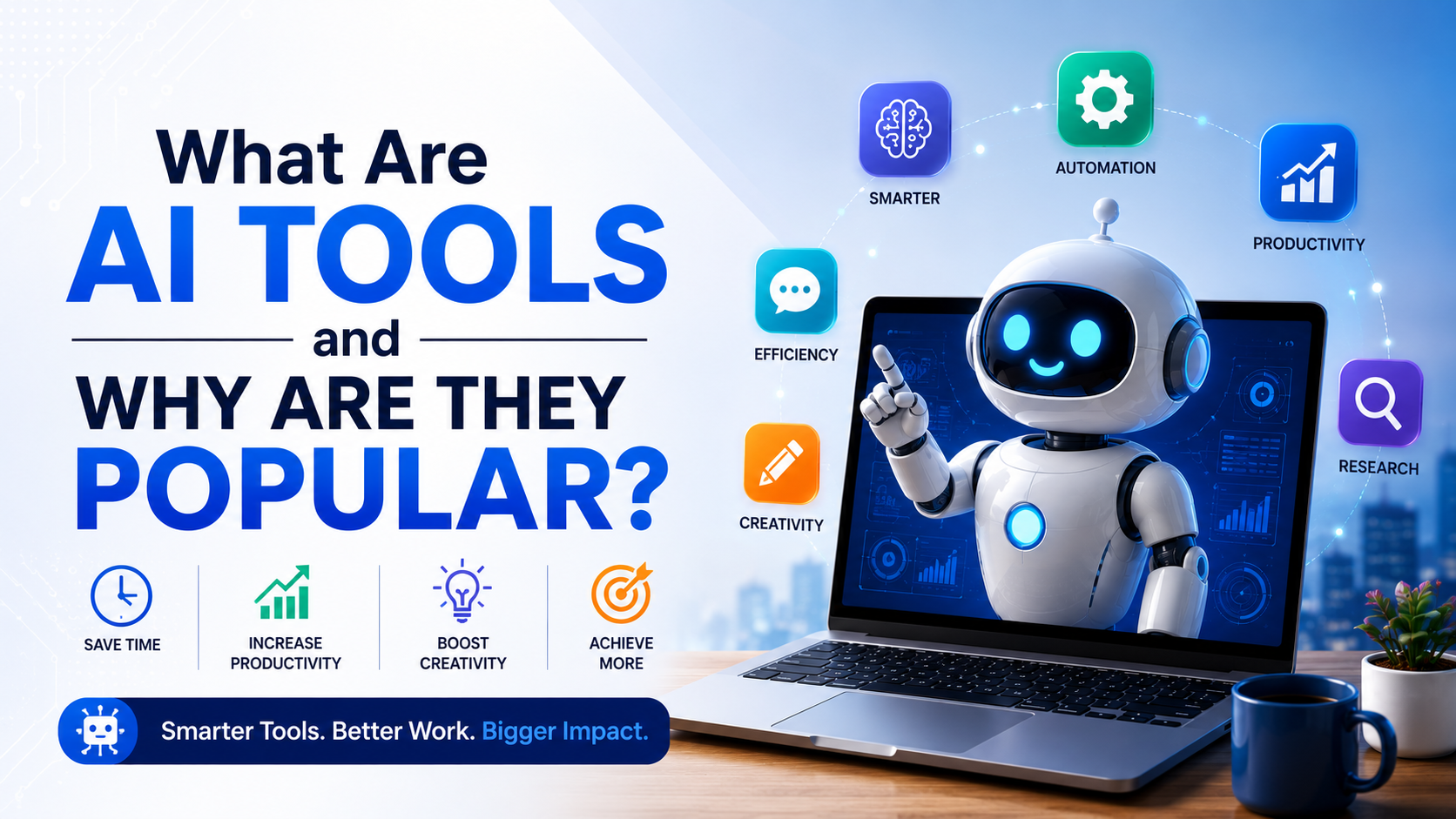
A few years ago, most people thought artificial intelligence was something only big technology companies used. But today, AI is everywhere. Students use it to understand difficult topics. Creators use it to write scripts, edit videos, make thumbnails, and generate ideas. Small business owners use it to reply to customers, create posters, and manage daily tasks.
As a creator, I have seen how fast AI tools have entered content creation, video editing, blogging, marketing, and digital skills. Earlier, many tasks needed more time, more people, or advanced software knowledge. Now, with the right AI tool, even beginners can start faster and learn better.
This is why AI tools are becoming popular. They save time, reduce effort, and make digital work easier for normal users.
What Are AI Tools?
AI tools are software, apps, or online platforms that use artificial intelligence to help users complete tasks. These tools can understand text, generate content, answer questions, edit images, create videos, analyze data, translate languages, write code, and much more.
A simple one-line definition is: AI tools are smart digital tools that use artificial intelligence to help humans work faster, easier, and better.
Some popular examples include ChatGPT for writing and ideas, Google Gemini for AI search and assistance, Canva for AI-powered design, Grammarly for writing improvement, and Adobe tools for creative editing.
AI tools do not work like normal software. Traditional software follows fixed commands. AI tools can understand patterns, learn from large amounts of data, and generate useful responses based on the user’s input.
Simple Meaning of AI Tools
In simple words, AI tools are digital assistants. You give them an instruction, and they help you complete the task.
For example, if you want to write a YouTube video script, you can ask an AI tool to create a basic script idea. If you are editing a video and need background music suggestions, AI can help. If you run a small local business and want to create a social media post, AI can generate captions, designs, and content ideas.
Think of AI tools like a smart helper on your phone or computer. They may not replace human creativity, but they can support your work and make the process faster.
For beginners, this is very useful because they do not need to know everything from the start. AI can guide them step by step.
How Do AI Tools Work?
AI tools work by using data, algorithms, and machine learning models. This may sound technical, but the basic idea is simple.
These tools are trained on large amounts of information. They learn patterns from text, images, videos, audio, and other types of data. When you type a question or give an instruction, the AI tool studies your input and gives a useful response.
For example, when you ask an AI writing tool to create a blog introduction, it looks at your topic, understands the style you need, and generates text based on patterns it has learned. When you use an AI image tool, it understands your prompt and creates an image based on your description.
AI tools usually work in three simple steps:
- You give an input, such as a question, prompt, image, or file.
- The AI processes the input using its trained model.
- It gives an output, such as text, image, video, code, or suggestion.
The better your input, the better the output usually becomes. This is why prompt writing is also becoming an important digital skill.
Real-Life Examples of AI Tools
AI tools are now used in many areas of daily life. Many people use them without even realizing it.
In content creation, AI tools can help with video ideas, captions, hooks, scripts, voiceovers, subtitles, thumbnails, and editing suggestions. A YouTuber can use AI to plan a video faster. A blogger can use AI to create outlines and improve article structure.
In education, students can use AI tools to understand concepts, summarize notes, practice English, and prepare for exams. Teachers can use AI to create lesson plans, quizzes, and study material.
In business, AI tools help with customer support, email writing, product descriptions, social media content, and data analysis. A small shop owner can use AI to write WhatsApp messages, create festival offers, or design posters.
In daily life, AI tools help with translation, travel planning, resume writing, document editing, and personal productivity. Even voice assistants and recommendation systems use AI in the background.
In technology, developers use AI tools to write code, fix errors, test software, and understand programming concepts. This helps beginners learn coding faster.
Why Are AI Tools Important?
AI tools are important because they make technology more accessible. Earlier, many digital tasks required expert-level knowledge. Now, beginners can start with simple instructions.
For students, AI tools can make learning easier. For creators, they can reduce the time spent on planning and basic tasks. For businesses, they can improve productivity. For freelancers, they can help deliver work faster.
AI tools are also important because the digital world is moving very fast. People who learn to use AI properly can save time and stay updated with new work methods.
But AI is not only about speed. It is also about support. Many beginners feel confused when starting something new, like writing a blog, editing a video, designing a poster, or learning coding. AI tools can act like a guide in the early stage.
This is one big reason why AI tools are becoming part of modern digital skills.
Benefits of AI Tools
One of the biggest benefits of AI tools is time saving. A task that takes one hour manually may take only a few minutes with AI support. For example, creating a rough blog outline, writing captions, or summarizing long text becomes much faster.
AI tools also help improve productivity. Instead of spending too much time on small repetitive tasks, users can focus on creative thinking and final quality.
Another benefit is idea generation. Many creators face creative block. Sometimes we want to make a video or write an article, but we do not know where to start. AI tools can give topic ideas, titles, hooks, and content angles.
AI tools are also helpful for beginners. A person who is not very good at English can use AI to improve writing. A new designer can use AI design suggestions. A new video editor can use AI for subtitles, background removal, and basic editing help.
They also reduce cost in some cases. Small businesses may not always have the budget to hire a full team. AI tools can help them create basic content, manage communication, and improve online presence.
Limitations of AI Tools
AI tools are powerful, but they are not perfect. This is very important to understand.
Sometimes AI tools can give wrong or outdated information. They may sound confident even when the answer is not fully correct. That is why users should always verify important information, especially in topics like health, finance, law, and current news.
AI tools can also create generic content if the user gives a weak prompt. For example, if you ask AI to “write a blog,” the result may look basic. But if you give details about audience, tone, style, and purpose, the result becomes better.
Privacy is another important limitation. Users should avoid uploading sensitive personal data, private business details, passwords, bank information, or confidential documents into random AI tools.
AI-generated content also needs human editing. For creators and bloggers, this is very important. AI can help with drafts, but your personal experience, examples, and final editing make the content more valuable.
Another limitation is overdependence. If people use AI for everything without learning the skill, their own thinking and creativity may become weak. AI should be used as a helper, not as a complete replacement for learning.
AI Tools for Creators
For creators, AI tools are one of the biggest changes in recent years. Whether you are a YouTuber, blogger, video editor, designer, marketer, or freelancer, AI can support your workflow.
As someone connected with content creation and digital skills, I see AI as a practical assistant. It can help me brainstorm video topics, create blog outlines, improve titles, write descriptions, and generate social media captions. In video editing, AI can help with subtitles, background removal, audio cleanup, and rough cuts.
For bloggers, AI tools can help in research planning, structure, grammar improvement, and content ideas. But the final article should still have human understanding. A blog should not feel like a copy-paste AI answer. It should feel useful, practical, and connected with real readers.
For YouTubers, AI can help with hooks, scripts, thumbnails, titles, and short-form content ideas. For freelancers, AI can improve speed in writing, designing, coding, and client communication.
The best way for creators to use AI is simple: let AI handle the rough work, and let humans handle creativity, judgment, and final quality.
Future of AI Tools
The future of AI tools looks very strong. In the coming years, AI tools will become more common in phones, laptops, cameras, editing apps, office software, and business platforms.
We may see more AI tools that can understand voice, images, videos, and documents together. This means users may not need to type everything. They may simply speak, upload a file, or show an image, and AI will help.
In content creation, AI video editing will become faster. Tools may automatically select best clips, improve audio, add captions, suggest music, and create different versions for YouTube, Instagram, and other platforms.
For local businesses, AI may become a daily digital assistant. It can help with customer replies, billing support, marketing messages, and product promotion.
But the future should not be seen as AI replacing everyone. The better way to look at it is this: people who know how to use AI properly may become more productive than people who ignore it completely.
Human creativity, trust, experience, and decision-making will still matter.
My Personal View on AI Tools
My personal view is that AI tools are very useful, but they should be used wisely. For creators like me, AI can save a lot of time in planning, writing, editing, and learning. It can make the workflow smoother.
But I do not think AI should remove the human touch. In content creation, people connect with real experience, honest opinions, and practical examples. AI can give structure and speed, but the creator must add clarity, emotion, and personal understanding.
For beginners, AI tools are a great opportunity. You can learn faster, practice better, and start projects even if you do not have expert-level skills. But at the same time, you should keep improving your own skills.
Use AI like a smart assistant, not like a shortcut for everything.
FAQs About AI Tools
Are AI tools free to use?
Many AI tools offer free versions, but advanced features may require paid plans. Free versions are useful for beginners, but paid versions usually give better limits, speed, or features.
Can AI tools replace humans?
AI tools can replace some repetitive tasks, but they cannot fully replace human creativity, emotions, experience, and judgment. Humans are still needed for final decisions and quality control.
Are AI tools good for students?
Yes, AI tools can help students understand topics, summarize notes, and practice learning. But students should not use AI only for copying answers. It should be used for learning and improvement.
Can AI tools create videos?
Yes, some AI tools can help create videos, edit clips, generate subtitles, improve audio, and make short-form content. However, human editing is still important for quality.
Are AI tools safe?
Popular and trusted AI tools are generally safer than unknown tools, but users should still be careful. Do not share passwords, bank details, private documents, or sensitive personal information.
Do AI tools always give correct answers?
No, AI tools can make mistakes. Always verify important facts, especially in health, finance, legal, education, and news-related topics.
Which AI tool is best for beginners?
It depends on the task. ChatGPT is useful for writing and ideas, Canva is good for design, Grammarly helps with writing, and Google Gemini is useful for AI assistance and search-related tasks.
Conclusion
AI tools are smart digital tools that use artificial intelligence to help people complete tasks faster and easier. They can write, design, edit, summarize, translate, code, and assist in many daily digital activities.
Their popularity is growing because they save time, support beginners, improve productivity, and make advanced technology simple for normal users. From students and creators to freelancers and small business owners, almost everyone can find some useful way to use AI.
But AI tools should be used with balance. They are helpful assistants, not perfect decision-makers. The best results come when human creativity and AI support work together.
In simple words, AI tools are popular because they make difficult digital work easier. And in the future, learning how to use them properly will become an important skill for almost everyone.