
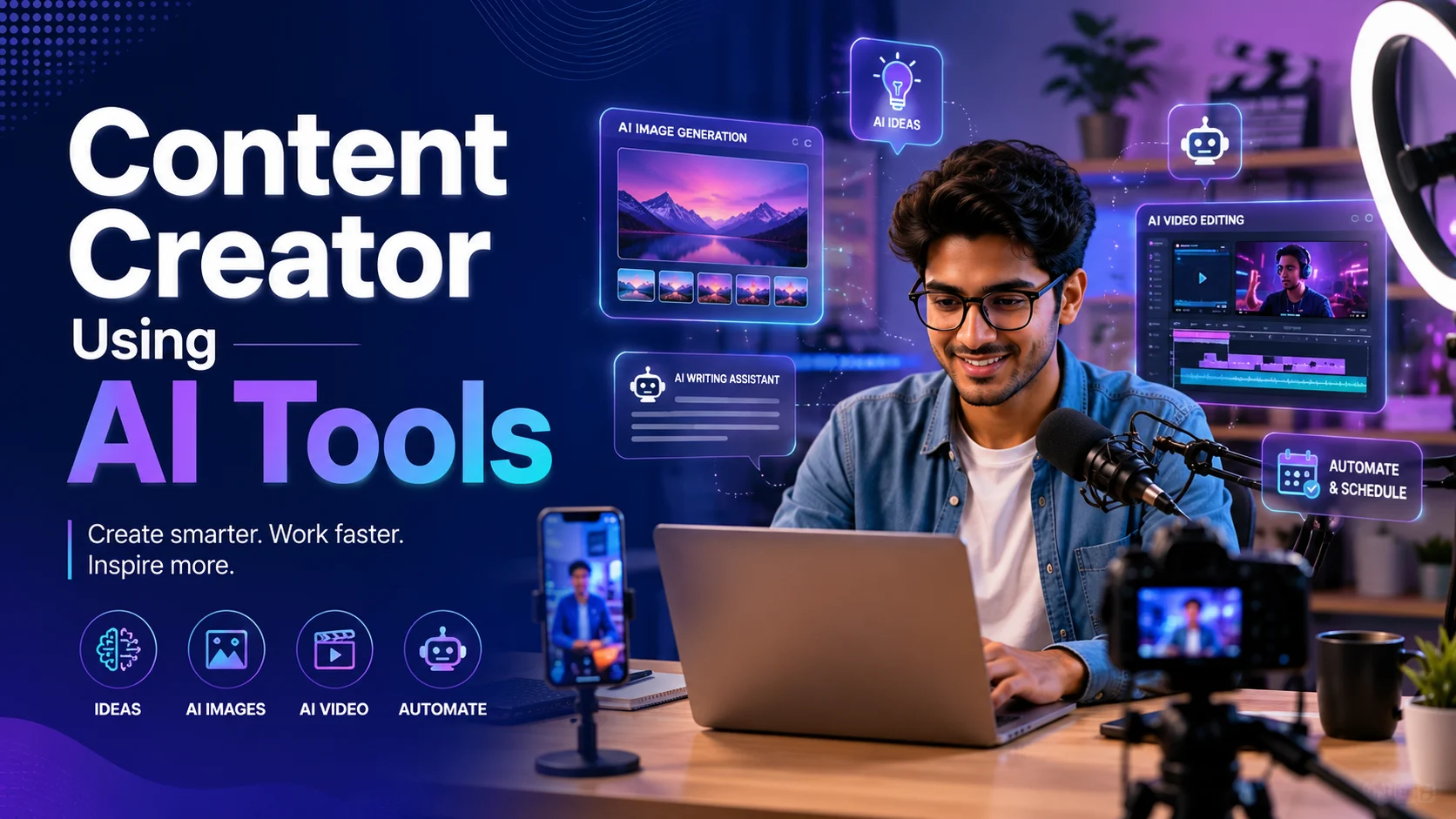
Content creation has changed a lot in the last few years. Earlier, a creator needed a camera, editing software, scriptwriting skills, design skills, and sometimes a full team to produce good content regularly. Today, AI tools have made many of these tasks faster and easier.
This does not mean creators can become successful by only pressing one button. Real content still needs ideas, personality, trust, storytelling, and consistency. But AI can help creators reduce boring work, generate ideas faster, edit smarter, and publish more content without feeling stuck.
As a creator, I feel AI tools are not just for big companies or advanced users anymore. They are now useful for YouTubers, bloggers, Instagram creators, LinkedIn creators, video editors, freelancers, teachers, coaches, and small business owners. Even creators like Vaibhav Sisinty show how AI, personal branding, and digital education can work together. His public LinkedIn profile describes him as the founder of GrowthSchool, focused on upskilling people globally with AI, and also mentions his earlier work at Uber and Klook. (LinkedIn)
What Are AI Tools for Content Creators?
AI tools for content creators are apps or platforms that use artificial intelligence to help with content planning, writing, designing, video editing, voice generation, translation, research, and automation.
A simple one-line meaning is: AI tools help creators make better content faster by supporting them in research, scripting, editing, designing, and publishing.
For example, a YouTuber can use AI to write a video script. A blogger can use AI to create an article outline. A video editor can use AI to generate subtitles. A LinkedIn creator can use AI to improve hooks and post structure. A faceless channel creator can use AI avatars, AI voiceovers, and AI visuals to create videos without showing their face.
Tools like ChatGPT, Google Gemini, Canva, CapCut, HeyGen, Descript, ElevenLabs, Adobe Firefly, and Runway are now part of many creator workflows.
Why Content Creators Are Using AI Tools
The biggest reason creators use AI is speed. Content creation takes time. You need to think of ideas, write scripts, shoot videos, edit clips, design thumbnails, write captions, and post consistently. AI can make many of these steps faster.
Another reason is consistency. Many creators stop posting because they run out of ideas or feel tired. AI tools can help creators build a content system. They can generate topic ideas, turn one long video into short clips, create captions, and suggest better titles.
AI also helps beginners. If someone is not confident in English, AI can improve grammar and sentence structure. If someone does not know design, AI design tools can give ready-made layouts. If someone is camera-shy, AI avatar tools can help create presenter-style videos.
But the main point is balance. AI should support the creator, not replace the creator’s thinking.
How AI Helps in Content Ideas and Research
Every creator faces this problem: “What should I post today?” AI can solve this problem by giving topic ideas based on your niche, audience, and platform.
For example, if your niche is AI tools, you can ask AI:
“Give me 20 beginner-friendly YouTube video ideas about free AI tools for students and creators.”
If your niche is local business marketing, you can ask:
“Give me 15 Instagram reel ideas for a small mobile repair shop in India.”
AI can also help with research. Tools like Perplexity and Google Gemini can help creators understand a topic before making content. But important facts should always be checked from trusted sources.
This is where creators like Vaibhav Sisinty are good examples. He built strong personal branding around growth, marketing, LinkedIn, AI, and digital education. A beginner creator can learn from this style: pick a clear niche, share useful knowledge, simplify complex topics, and build trust with the audience.
How AI Helps in Scriptwriting
Scriptwriting is one of the most useful areas where creators can use AI. Many creators have good ideas but struggle to turn those ideas into a proper video script.
AI can help you write:
- YouTube video scripts
- Instagram reel scripts
- LinkedIn post drafts
- Podcast outlines
- Short video hooks
- Product explainer scripts
- Course lesson scripts
For example, a creator can ask ChatGPT:
“Write a 60-second reel script explaining how beginners can use AI tools for content creation. Keep it simple and practical.”
But you should not copy the script directly. AI scripts can sound generic. The best method is to use AI for the first draft, then add your own examples, your natural speaking style, and your personal experience.
A good creator script should have three things: a strong hook, a clear explanation, and a useful ending.
How AI Helps in Video Creation
AI video tools are becoming very popular because they reduce the need for heavy production. Tools like HeyGen allow users to create AI videos using text, images, audio, templates, avatars, voices, and different visual styles. HeyGen’s official website says users can choose an avatar, add a script or upload a deck, select a voice and language, adjust visuals and branding, generate the video, and export it. (HeyGen)
This is useful for creators who want to make explainer videos, educational videos, product demos, training content, and social media clips without recording every time.
For example, a “HeyGen creator” can create a digital avatar and use it to explain topics like AI tools, business ideas, English learning, digital marketing, or software tutorials. This is especially helpful for creators who are shy on camera or want to create content in multiple languages.
HeyGen also offers AI avatars and says users can choose from many ready-made avatar models or create a personalized avatar using a short guided recording. (HeyGen)
But creators should be transparent when needed. If a video is AI-generated, especially if it looks like a real person, it is better to avoid misleading the audience.
How AI Helps in Video Editing
Video editing is one of the most time-consuming parts of content creation. AI tools can make editing much faster.
For example, CapCut has AI features like auto subtitles, background removal, smart text-to-speech, and AI video creation from scripts. (CapCut) These features are very useful for Instagram reels, YouTube Shorts, and TikTok-style videos.
A creator can record a raw video, upload it to an AI editing tool, generate captions automatically, remove background noise, add music, and export a short video quickly. This saves a lot of time compared to manual editing.
Tools like Descript are also useful because they allow creators to edit audio and video like editing a text document. Descript says creators can record, transcribe, edit, and publish video and audio in one place. (Descript)
For podcasters and interview creators, this is very powerful. You can remove mistakes, cut pauses, create clips, and repurpose long content into short videos.
How AI Helps in Thumbnail and Design
Thumbnails and graphics are very important for content creators. A good thumbnail can increase clicks. A clean poster can improve brand image. A professional design can make a creator look more serious.
Tools like Canva help beginners create thumbnails, social media posts, presentations, posters, and brand designs. Canva’s Magic Design feature can auto-generate designs and refined templates from text or media. (canva.com)
This is useful for YouTubers, bloggers, Instagram creators, LinkedIn creators, and small business owners. You do not need to be a professional designer to start. You can use ready-made templates and customize them according to your brand colors, fonts, and content style.
For example, a tech creator can create a YouTube thumbnail with a bold title, AI tool screenshot, face cutout, and simple background. A local business creator can make festival offer posters, product banners, and WhatsApp creatives.
How AI Helps in Voiceovers
Many creators do not want to record voiceovers every time. Some are not confident in their voice. Some want to create content in different languages. AI voice tools can help here.
ElevenLabs offers text-to-speech tools that can generate lifelike speech and supports many languages and voices. Its official text-to-speech page mentions use cases like video voiceovers, podcasts, audiobooks, games, and accessibility. (ElevenLabs)
This is useful for faceless YouTube channels, explainer videos, educational reels, product demos, and storytelling content.
But voice cloning should be used carefully. Never clone another person’s voice without permission. If you use your own AI voice, keep it ethical and avoid misleading people.
How AI Helps in Repurposing Content
One of the smartest ways creators can use AI is repurposing. This means turning one piece of content into many smaller pieces.
For example, one YouTube video can become:
- 5 Instagram reels
- 3 LinkedIn posts
- 1 blog article
- 10 short quotes
- 1 newsletter
- 1 carousel post
- 1 podcast summary
AI can help extract key points, create short captions, suggest titles, and format the same idea for different platforms.
This is very useful for busy creators. Instead of creating everything from zero, you can create one strong piece of content and distribute it in different formats.
A creator like Vaibhav Sisinty-style personal brand content works well because one idea can be shared as a LinkedIn post, video lesson, short clip, email, and workshop topic. The lesson for beginners is simple: do not create random content every day. Build a content system.
How AI Helps LinkedIn and Personal Branding Creators
LinkedIn creators can use AI tools to improve post ideas, hooks, storytelling, and structure. But LinkedIn content should still feel personal and real.
AI can help you write a first draft, but your experience makes the post valuable. For example, instead of posting only “AI is changing the future,” you can share a real example:
“I used AI to create 10 video ideas in 15 minutes. But only 3 were actually useful after editing. Here is what I learned.”
This type of content feels more honest.
Creators can use AI to analyze their old posts, find common themes, rewrite weak hooks, and create a weekly content calendar. But they should avoid sounding like everyone else. Personal branding grows when your content has your voice, not only AI-generated lines.
How AI Helps Bloggers and Website Owners
Bloggers can use AI tools for topic research, outlines, introductions, FAQs, grammar checking, and content improvement. AI can also help explain technical topics in simple language.
For example, if you run a tech blog, AI can help you create articles on AI tools, apps, gadgets, automation, video editing, and digital skills. But you should always check facts, add updated information, and write from a human point of view.
For WordPress bloggers, AI can help with:
- Blog outlines
- Article drafts
- FAQ sections
- Image ideas
- Content calendars
- Internal linking suggestions
- Simple explanations for beginners
But Google and readers both value useful content. A blog should not feel like plain AI copy. It should solve real problems.
How AI Helps Course Creators and Coaches
AI is very useful for educators, trainers, and coaches. Course creators can use AI to build lesson plans, presentation outlines, worksheets, quizzes, and video scripts.
For example, someone teaching digital marketing can use AI to create a 30-day learning plan. A communication coach can use AI to create English practice exercises. A tech educator can use AI to simplify complicated topics.
This connects with the example of GrowthSchool and Vaibhav Sisinty because digital education is moving fast. AI can help educators create learning material faster, but the real value still comes from teaching style, examples, community, and results.
Benefits of AI Tools for Content Creators
The first benefit is speed. AI helps creators move from idea to draft quickly.
The second benefit is consistency. AI can help maintain a regular posting schedule by giving ideas, captions, and outlines.
The third benefit is lower production cost. AI avatars, AI voiceovers, and AI editing tools can reduce the need for a big team in the beginning.
The fourth benefit is better learning. Beginners can ask AI to explain editing, writing, SEO, camera settings, or marketing concepts in simple language.
The fifth benefit is scalability. One creator can produce content for multiple platforms without doing everything manually.
Limitations and Risks of Using AI Tools
AI tools are helpful, but creators must use them carefully.
The biggest risk is fake or misleading content. AI avatars and voice cloning can create confusion if people think the content is real when it is not. Reports have already highlighted concerns around deepfakes and AI-generated social media content being used for misleading marketing or scams. (Financial Times)
Another limitation is quality. AI content can become generic if the creator does not edit it. Many AI-written scripts sound similar. Many AI designs look template-based. Many AI videos lack emotion.
There is also a privacy issue. Creators should not upload private client data, confidential brand information, personal documents, or sensitive files into random AI tools.
Copyright and originality are also important. Do not copy another creator’s style completely. Do not use someone’s face, voice, or content without permission.
AI Tools for Creators: Practical Workflow
A simple AI content workflow can look like this:
First, use AI for idea generation. Ask for topic ideas based on your niche and audience.
Second, use AI for research. Collect important points, examples, and questions people ask.
Third, use AI for scripting. Create a rough script, then rewrite it in your own voice.
Fourth, record or generate the video. You can record yourself or use tools like HeyGen for avatar-based content.
Fifth, edit with AI tools. Use CapCut or Descript for captions, cuts, cleanup, and repurposing.
Sixth, design thumbnails and posts using Canva or Adobe Firefly.
Finally, use AI to repurpose the content for LinkedIn, Instagram, YouTube Shorts, blogs, and newsletters.
Future of AI Tools for Content Creators
The future of AI in content creation will be more advanced. AI tools will become better at video generation, voice quality, translation, editing, and personalization.
Creators may soon be able to create full videos from simple prompts, translate content into multiple languages with lip-sync, and create personalized videos for different audiences. HeyGen’s customer stories also show how brands use AI video for localization and scaling content, including a case where trivago used HeyGen for faster video localization across many markets. (HeyGen)
But this does not mean human creators will become useless. In fact, human trust will become more valuable. When AI content becomes common, real experience, honest opinions, and strong personal branding will matter even more.
My Personal View on AI Tools for Creators
My personal view is simple: AI is not the creator. AI is the assistant.
For content creators, AI can save time in writing, editing, designing, research, and planning. It can help beginners start faster and help professionals scale better. But AI cannot replace your real experience, your taste, your judgment, and your connection with the audience.
If you are a creator, use AI to speed up the process. But do not remove your human touch. Add your examples. Add your mistakes. Add your learning. Add your opinion.
The best creators will not be those who only use AI. The best creators will be those who combine AI speed with human creativity.
FAQs About Using AI Tools for Content Creation
Can AI tools replace content creators?
No, AI tools can support creators, but they cannot fully replace human creativity, trust, storytelling, and personal experience.
Which AI tool is best for beginner creators?
For writing and ideas, ChatGPT or Gemini are good starting points. For design, Canva is beginner-friendly. For video editing, CapCut is useful. For AI avatar videos, HeyGen is a popular option.
Can I use AI tools for YouTube videos?
Yes, creators can use AI for topic ideas, scripts, subtitles, thumbnails, voiceovers, and editing. But the final video should still feel original and useful.
Is it okay to use AI avatars?
Yes, AI avatars can be useful for explainer videos, training videos, and faceless content. But creators should avoid using avatars to mislead people or copy someone’s identity.
Can AI help me grow on LinkedIn?
Yes, AI can help with hooks, post structure, content ideas, and rewriting. But your LinkedIn content should include your real experience and personal voice.
Are AI voiceovers safe to use?
AI voiceovers are useful, but you should only use voices you have permission to use. Do not clone another person’s voice without consent.
Should bloggers use AI for articles?
Yes, bloggers can use AI for outlines, drafts, FAQs, and editing. But they should fact-check, add personal examples, and improve the article manually before publishing.
Conclusion
AI tools are changing how content creators work. They help with ideas, scripts, videos, editing, thumbnails, voiceovers, blogs, social media posts, and repurposing. For beginners, AI makes content creation less confusing. For experienced creators, AI saves time and helps scale content.
Examples like Vaibhav Sisinty show how AI, digital education, marketing, and personal branding can work together. Tools like HeyGen show how creators can make avatar-based videos without traditional filming. Canva, CapCut, Descript, ElevenLabs, and Adobe Firefly show how AI is entering every part of the creator workflow.
But the simplest truth is this: AI can help you create faster, but your human touch makes the content valuable.
Use AI for speed. Use your creativity for quality. That is the best way content creators can use AI tools today.